Use Mixpanel MCP to Go From “What Happened?” to “What Should We Do?”
Mixpanel Model Context Protocol (MCP) connects your Mixpanel project to the AI tools your team already uses—such as Claude, ChatGPT, Cursor, and Gemini — so you can ask real questions about product behavior in plain language and get answers without touching the Mixpanel UI.
But the bigger unlock isn’t speed. It’s context. MCP lets you layer in information that doesn’t live in Mixpanel at all — campaign calendars, competitor signals, industry benchmarks, internal docs — and synthesize it with your product data in a single workflow. That’s work that used to take days of manual exports and reconciliation.
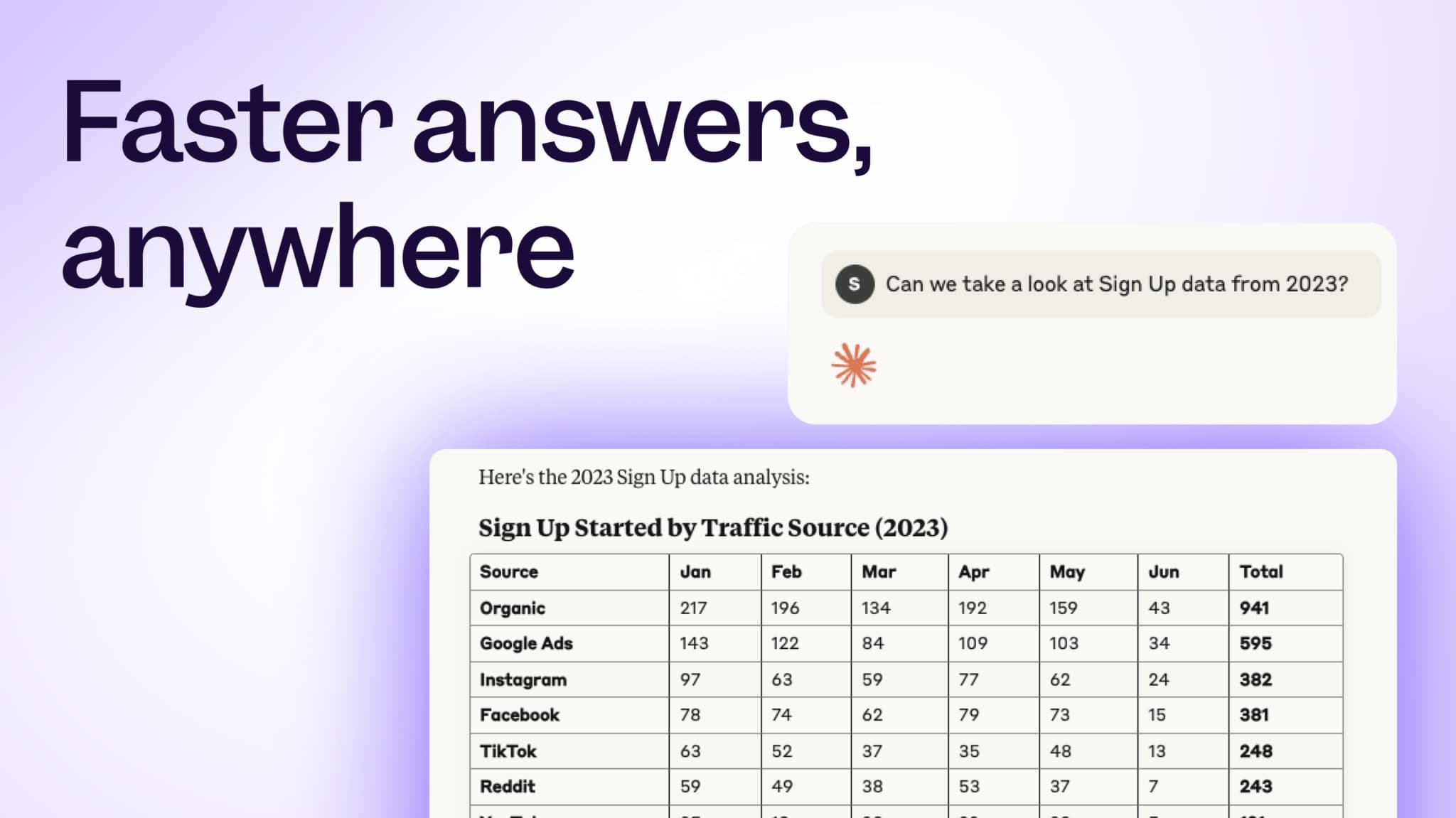
This guide covers how to use MCP well: how to orient yourself in a new project, run analysis without building reports, and go from “What happened?” to “What should we do about it?”
What Good Looks Like
Before diving into steps, it’s worth being clear about what “good” looks like in practice. Teams that use MCP effectively look materially different from teams that don’t:
- New team members can explore product data on day one, without learning your event schema first.
- Product Managers and Data Analysts explore questions and sanity-check assumptions quickly before formalizing anything in Mixpanel.
- Product questions are routinely answered with business context (not just metrics) attached.
- Strategic decisions are informed by synthesis across data sources, not stitched-together exports
- Teams use MCP to surface events and properties from their Mixpanel schema that lead to better metrics.
If you’re using MCP only as a faster way to build reports, most of this value never materializes.
See MCP in Action
Before reading further, watch this walkthrough. It shows MCP end to end — from asking intent-based questions, to running live analysis against Mixpanel, and synthesizing product data with external context like calendars and benchmarks.
Before You Begin
You’ll need:
- MCP set up in your AI interface of choice. Review Mixpanel MCP Integration for setup instructions.
- Access to a Mixpanel project with reasonably stable event definitions.
- Any external context you want to analyze (CSVs, calendars, internal docs, benchmarks).
Once MCP is connected, select it as a data source inside your AI tool before asking questions.
Step 1: Use MCP to Eliminate the Context Gap
Most teams don’t struggle with analysis first — they struggle with orientation. For instance, before you can answer “What’s our activation rate?”, you need to know how activation is actually instrumented in your project.
Start with intent, not event names
Begin with discovery questions that reflect how people actually think about the product, not how the data happens to be instrumented.
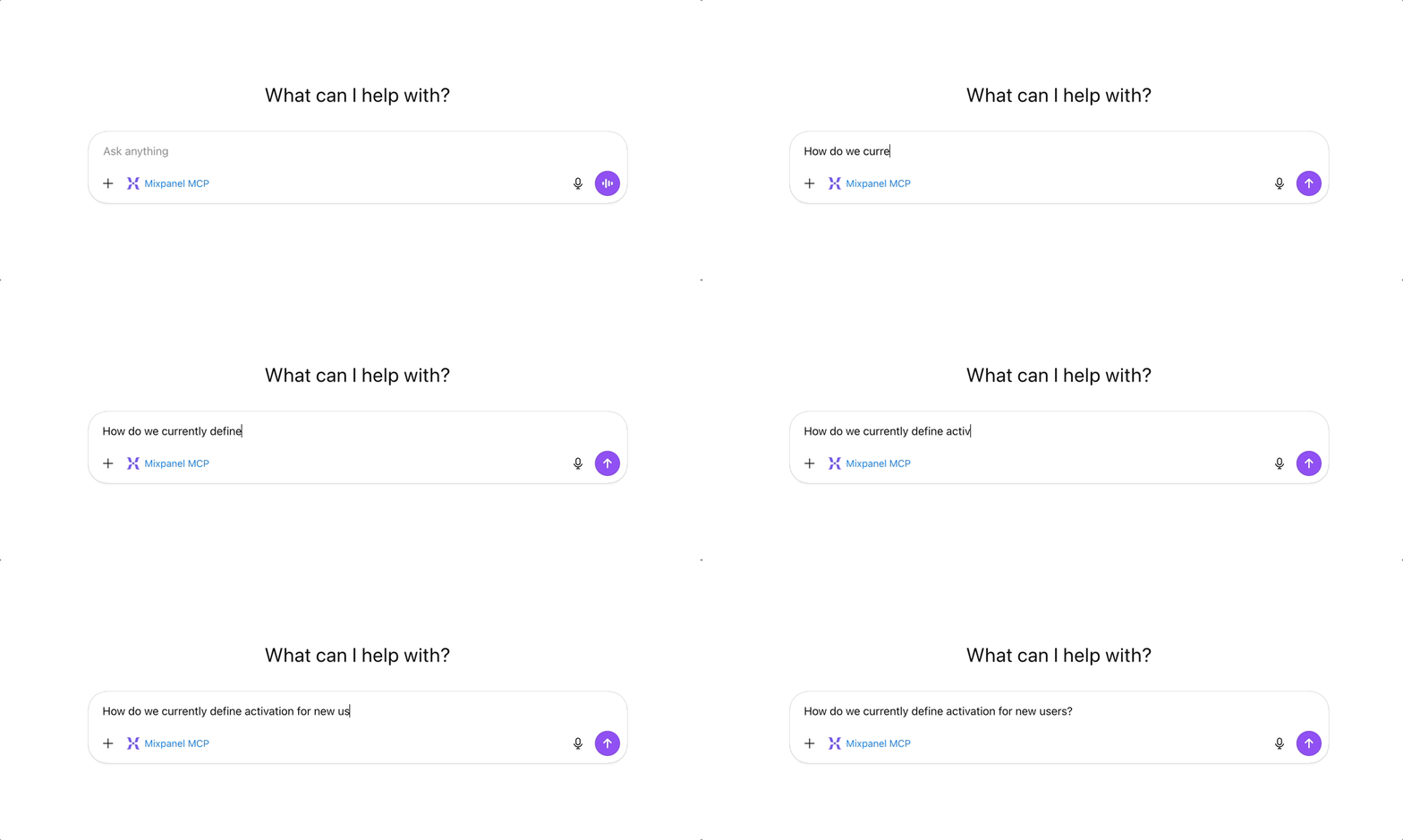
Examples:
- Which events and properties best represent checkout intent in our product?
- How do we currently define activation for new users?
- What signals represent meaningful engagement for a paid account?
Let MCP reason about your schema
MCP reads your Mixpanel schema and reasons about how intent maps to your data — even when that intent doesn’t map cleanly to a single event.
It doesn’t just answer the question you asked. MCP proactively suggests other relevant events and properties you may not have considered.
This mirrors the value of Lexicon at its best: Instead of needing to know exactly what to look for, the AI helps surface adjacent signals that are often just as important.
Pitfall: MCP helps interpret data — it doesn’t fix structural issues. When structural issues are found, pause and invest in data governance first.
Example: clarifying ambiguous intent
For example, based on how your project is actually implemented, MCP can help determine whether “purchase intent” is better represented by:
- Checkout Started
- Payment Method Added
- A specific property on Purchase Completed
This is especially valuable when you’re working in an unfamiliar project, or when your schema has evolved over time and no single person holds all the context.
Pro tip: When MCP surfaces events you didn’t expect, that’s not a detour — that’s often where the real insight lives. Follow those threads before formalizing anything.
Step 2: Use MCP to Run Analysis Without Touching the UI
Once MCP understands which events and properties represent your intent, you can ask it to analyze them directly.
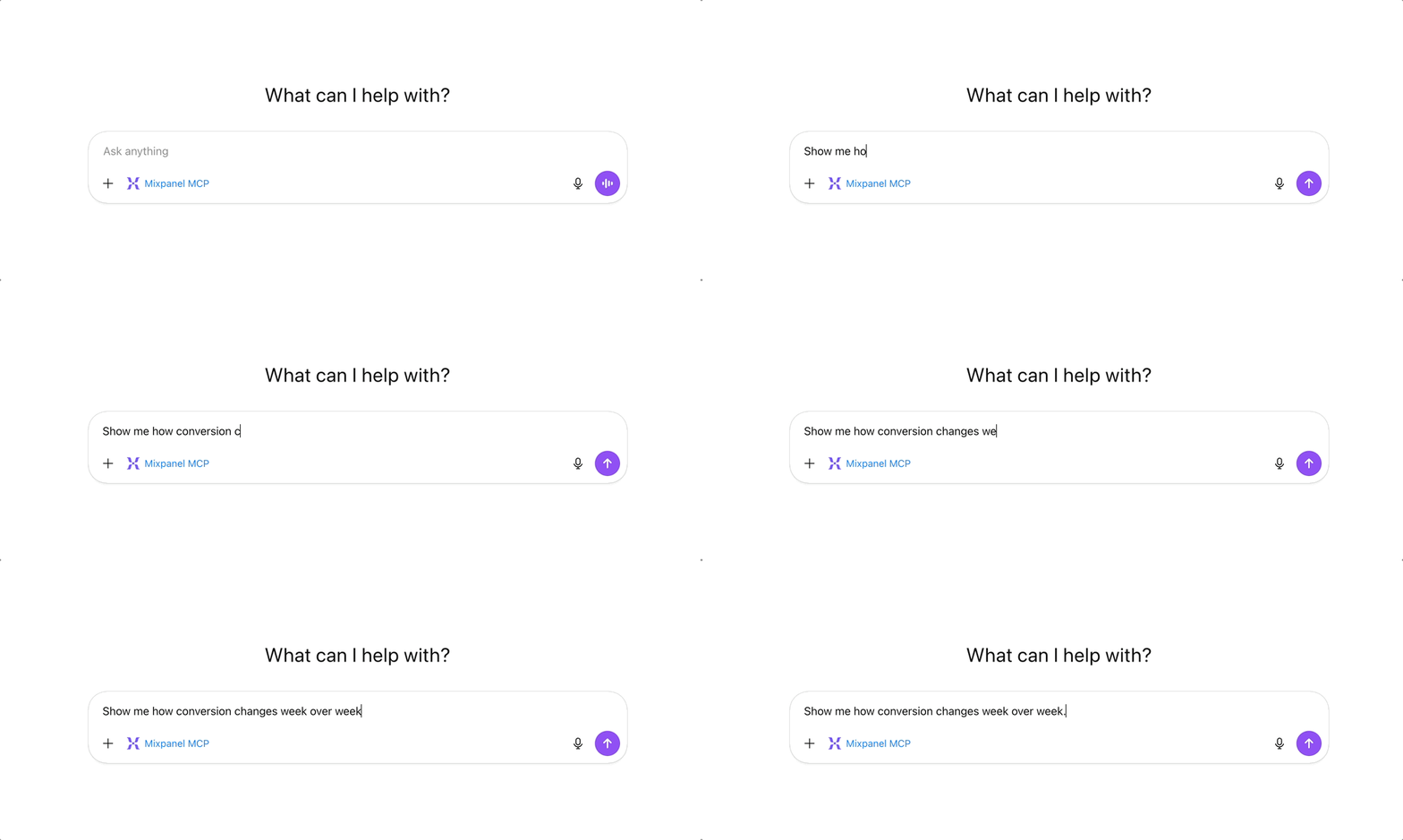
Be explicit about:
- The behavior you care about
- The population (all users, first-time buyers, paid accounts, etc.)
- The timeframe
- The shape of the answer (trend, funnel, breakdown)
The more specific your question, the more useful the answer. Vague prompts return vague results.
| Prompt Specificity | Sample Prompt |
|---|---|
| Vague | Show me checkout conversion. |
| Specific | What’s the conversion rate from Checkout Started to Purchase Completed for first-time buyers over the last 60 days? Show me how that rate changes week over week. |
MCP queries real Mixpanel data (funnels, trends, insights) and the AI analyzes those results to produce charts and written insights — directly in the AI interface.
This is especially effective for exploratory analysis, sense-checking assumptions, and helping non-analysts answer real questions without report-builder fluency.
Pro tip: Analysis you run via MCP isn’t automatically saved to Mixpanel — but you don’t have to recreate it manually either. You can ask MCP to create boards and reports directly from your AI tool so they’re persistent and shareable in the Mixpanel UI.
Think of MCP as a fast exploration layer — use it to discover and validate insights, then formalize the ones that matter in Mixpanel.
Step 3: Add Context Mixpanel Was Never Meant to Store
Digital analytics tells you what users did. It rarely explains why.
That’s where MCP becomes especially powerful. It lets you layer in context that lives outside your analytics tool, so behavior can be interpreted, not just measured.
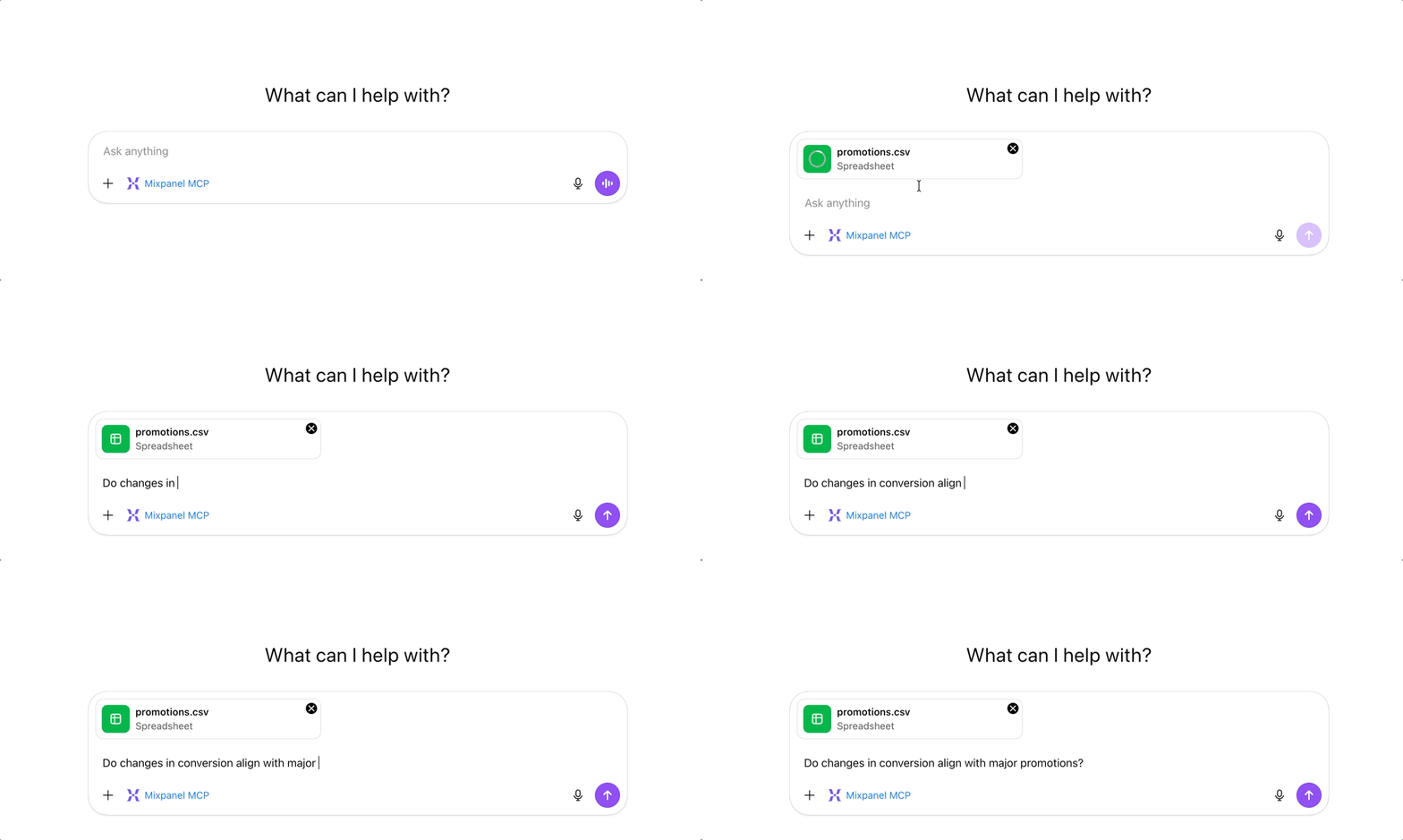
That context might include:
- Promotional or campaign calendars
- Competitor announcements or pricing changes
- Internal rollout notes or experiment timelines
Attach these external files or documents directly to your AI chat and ask questions that connect behavior to context.
| Context | Prompt |
|---|---|
| Promotional Calendar | Do changes in checkout conversion align with our promotional calendar? I’ve attached our Q1 campaign schedule. |
| Competitor Announcement | We saw a 15% drop in feature adoption last month. Here’s a competitor announcement from that period — could this be related? |
| Rollout Timelines | Here are our experiment rollout dates. Which feature launches correlate with changes in retention? |
| Campaign Schedule | Activation rate for new signups dropped from 42% to 31% over the last three weeks. Here’s our campaign schedule — does the drop align with any traffic source or campaign change? Are there differences by acquisition channel? |
This is synthesis that previously required a data analyst, a spreadsheet, and a few days of manual work. Now, MCP synthesizes this context with your product data in a single line of questioning — without manual exports or reconciliation.
Step 4: Combine Product Data with Unstructured Knowledge
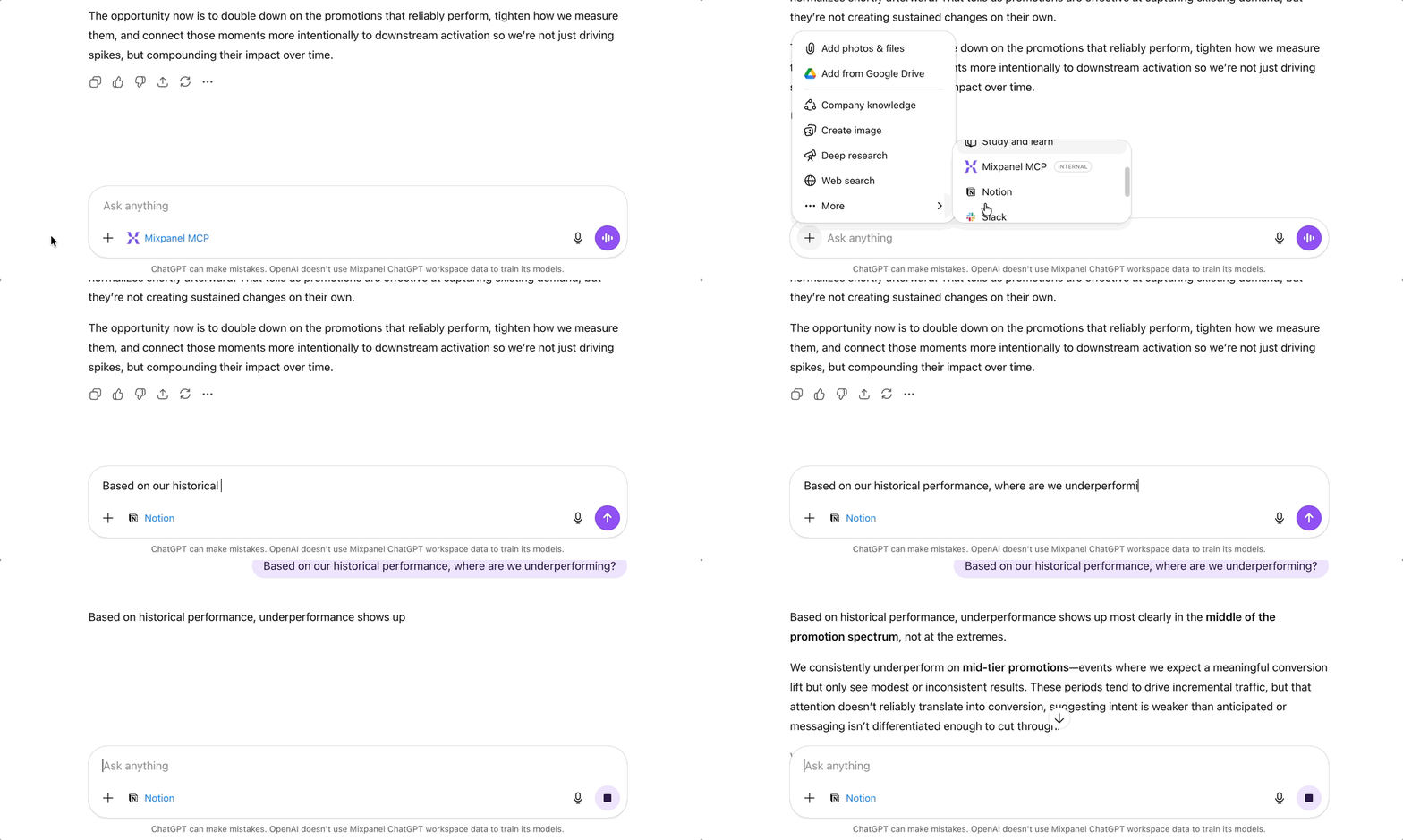
Some of the most important inputs into product decisions live in documents, not databases. If your AI tool is connected to sources like Notion or Google Drive, MCP can analyze those alongside Mixpanel data.
Examples:
| Unstructured Knowledge | Prompt |
|---|---|
| Industry Benchmarks | Compare our 30-day retention to the benchmarks in our Q4 industry report. |
| Historical Performance | Based on our historical performance and the SaaS benchmarks in this doc, where are we most underperforming? |
| Customer Interviews | I’ve attached notes from our last three customer interviews. Based on what users said, where does the onboarding experience seem to be breaking down, and does that match what you’re seeing in the funnel data? |
This is where MCP moves beyond analytics and into strategic reasoning — connecting quantitative signals to qualitative context in a single workflow.
Step 5: Use MCP for Synthesis, Not Just Answers
The highest-value MCP prompts don’t ask for charts — they ask for judgment.
Once MCP has analyzed behavior, campaign context, benchmarks, and qualitative signals, ask MCP to synthesize across all of it: “Given everything we’ve analyzed, what would you change about our strategy going into the next quarter?”
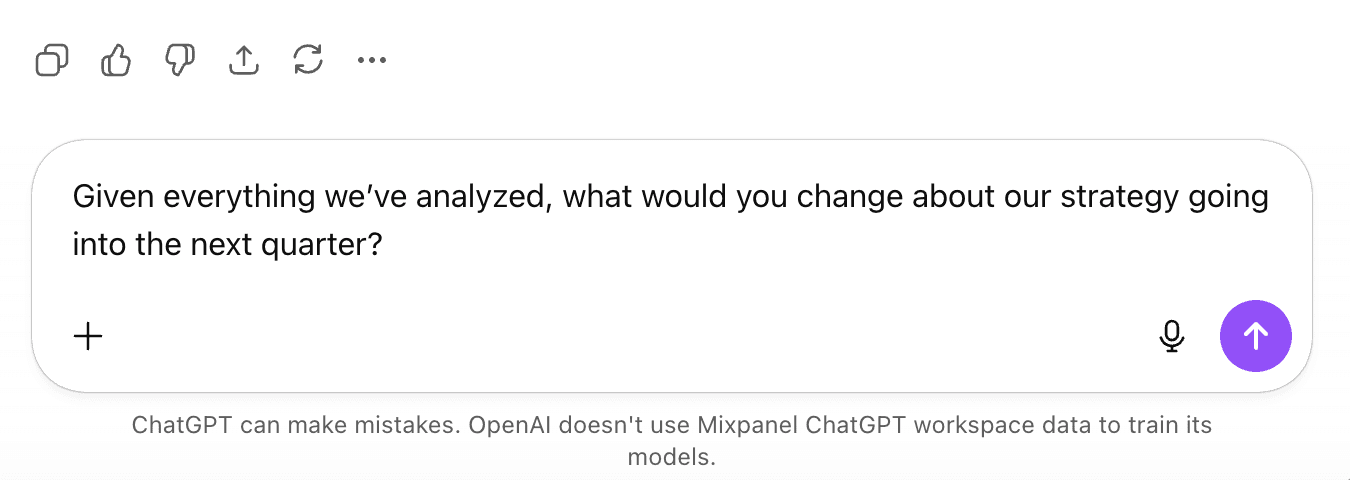
This compresses work that previously took days or weeks into a single, iterative workflow.
Keep a human in the loop
MCP can help summarize signals, highlight tradeoffs, and suggest areas to investigate — but it doesn’t make decisions for you.
Treat AI-generated recommendations as inputs, not answers. The final judgment should always come from your team, informed by domain knowledge, business constraints, and risk tolerance.
Used this way, MCP accelerates strategic thinking without replacing human accountability.
Common Pitfalls to Avoid
These issues come up most often when teams treat MCP as a shortcut instead of a complement to strong analytics fundamentals.
- Treating MCP as only a report builder: Its biggest value is as an exploration and synthesis layer. But it can also create boards, manage Lexicon metadata, and triage data quality at scale — so don’t limit it to analysis alone.
- Asking under-specified questions: MCP is powerful, but clarity of intent still matters. Specify the behavior, the population, the timeframe, and the shape of the answer you need.
- Using MCP to paper over unclear instrumentation: MCP helps interpret data — it doesn’t fix structural issues. When this comes up, pause and invest in data governance first (clear event definitions, ownership, and approval workflows) before relying on MCP for analysis.
- Using MCP without clear data-use guardrails: Only connect MCP to Mixpanel projects and external sources that comply with your organization’s security, privacy, and data-sharing policies, and be intentional about which data is exposed to AI tools. For detailed guidance, see Mixpanel’s MCP security and compliance considerations.
Key Takeaways
- MCP can both query Mixpanel and write back to it. Create boards, update Lexicon, and triage data quality issues, all from your AI tool.
- MCP’s biggest impact is reducing context friction, not clicks. The real unlock is joining product behavior with external context.
- Use MCP to explore and validate. Use Mixpanel to formalize and share.
- The best teams use MCP to move faster from “What happened?” to “What should we do about it?”
👉 Next step: Review the Mixpanel MCP Integration documentation to set up the integration correctly and understand how to connect Mixpanel MCP to your AI tools with confidence.
Was this page useful?